Download it
There is nothing to install and nothing to sign up for. It runs on your own computer — your video is never uploaded anywhere.
Unzip it, open it, choose your video. The PDF is saved next to the video and opens when it is done.
The first time you open it, your computer will warn you.
This is a free tool that is not signed with a paid developer certificate, so your computer has not seen it before and says so. Nothing is wrong. You need this once:
- Mac — right-click the app, choose Open, then Open again to confirm. Double-clicking will not work the first time.
- Windows — on the blue “Windows protected your PC” box, click More info, then Run anyway.
Which videos work
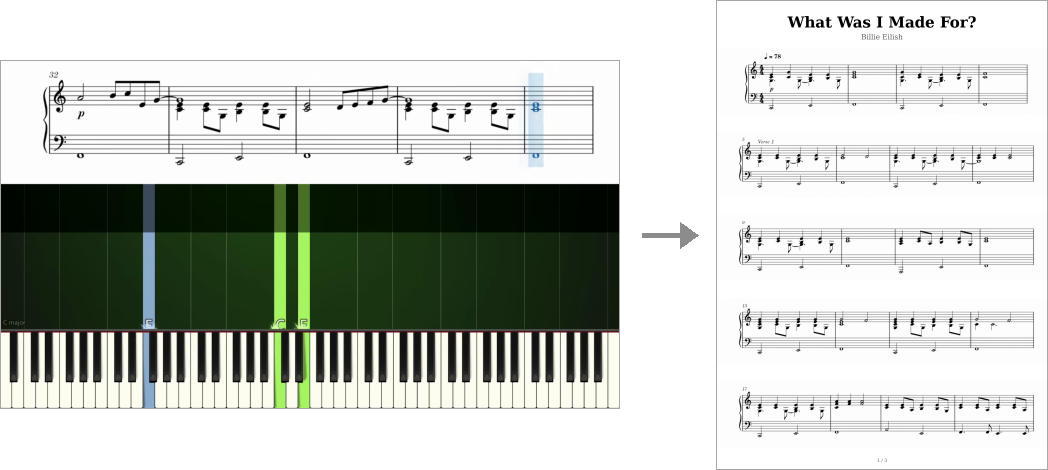
This reads one particular kind of tutorial: sheet music scrolling across the top of the frame, falling notes below it, and a coloured cursor sweeping left to right across the staff, on a light background. Like this:
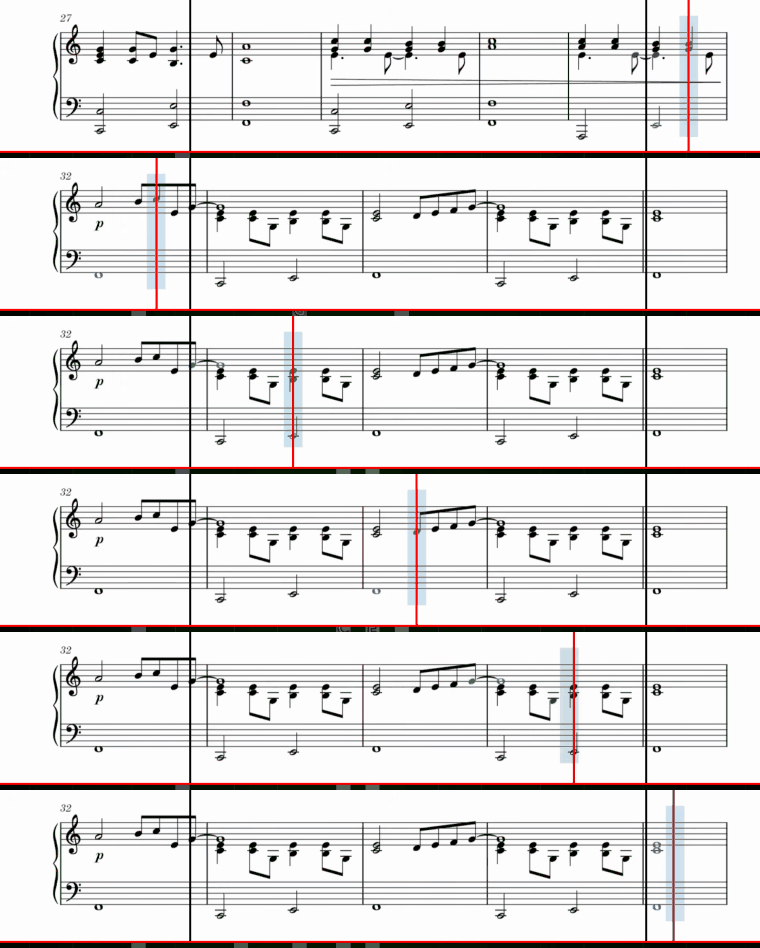
Videos shaped differently — no printed staff, a dark background, or music that scrolls smoothly instead of a screenful at a time — will not work, and the app will tell you so rather than producing a bad score.
What you get
- An A4 PDF at print resolution, with a title and page numbers.
- Staff lines spread evenly across the pages, the way an engraved score sets them.
- No watermark, no account, no upload, no limit on how many you convert.
It is a picture of the music, not a transcription of it — so it prints and reads beautifully, but it will not open in MuseScore or Sibelius as editable notation, and there is no MIDI.
Is this legal?
The tool is yours to use; what you point it at is your business. Most piano tutorials, and the arrangements in them, belong to whoever made them. Use it on material you have the right to use.